Role
Lead Designer
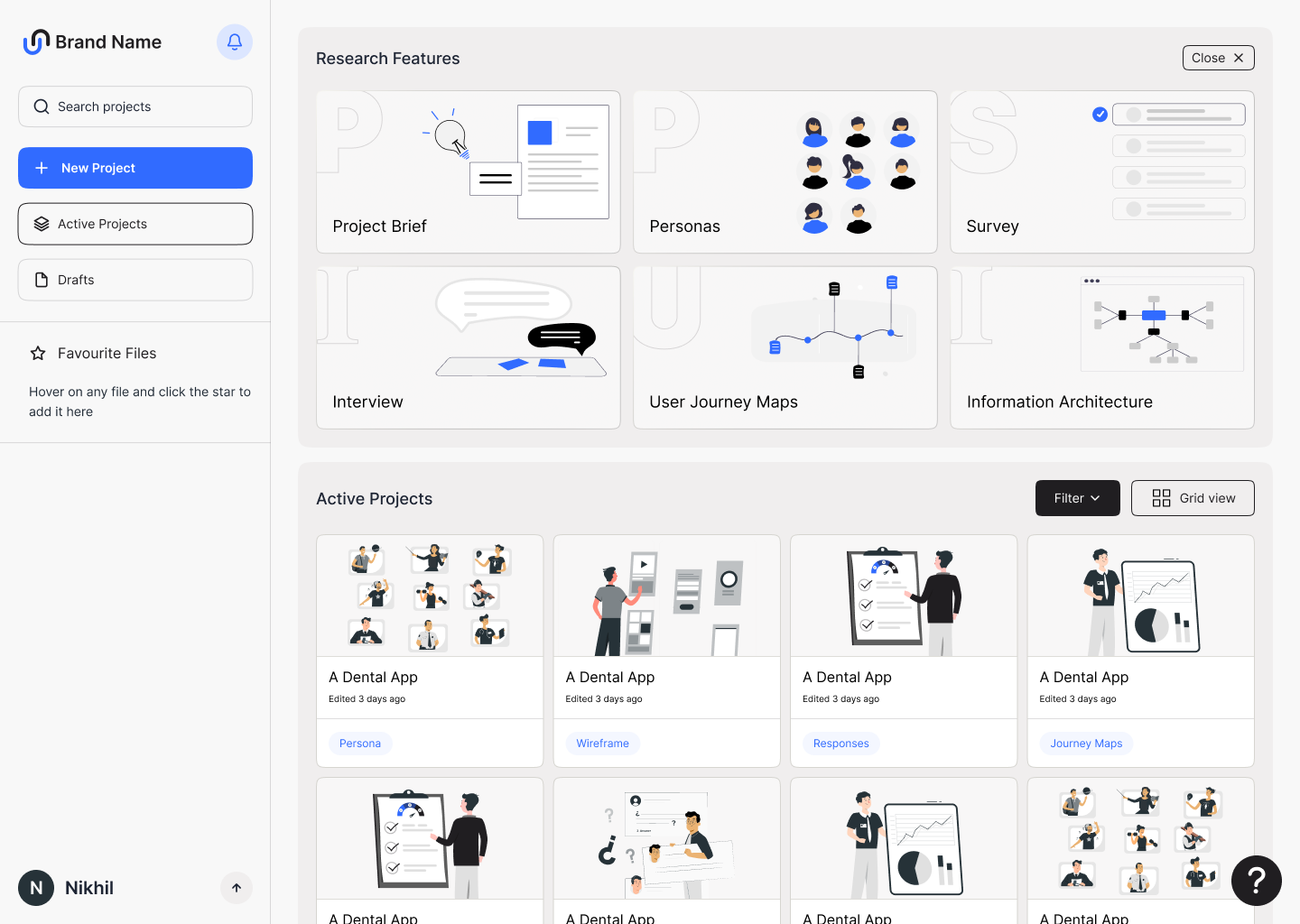
An AI co-pilot for UI/UX designers — where the brief, personas, surveys, interviews, journey maps and information architecture for a new product all live in one workspace, drafted by AI and shaped by the designer.
A planning workspace for designers — feed it a few lines about the product and it returns a full brief, personas, surveys, journey maps and information architecture, all editable in one place.
Instead of jumping between docs, sticky notes and survey tools at the start of every project, the designer plans the whole discovery phase in one portal — and exports the finished assets straight to Figma.
When we started, no AI tool could take a large brief and actually reason across it — designers were still doing discovery the long way.
Writing the brief, drafting personas, building a survey, mapping a journey — each step lived in a different tool, took days, and the AI tools that did exist couldn't hold enough context to be useful past a single prompt.
Let AI generate the first draft of every artifact — and put the designer in the editor's seat, not the writer's.
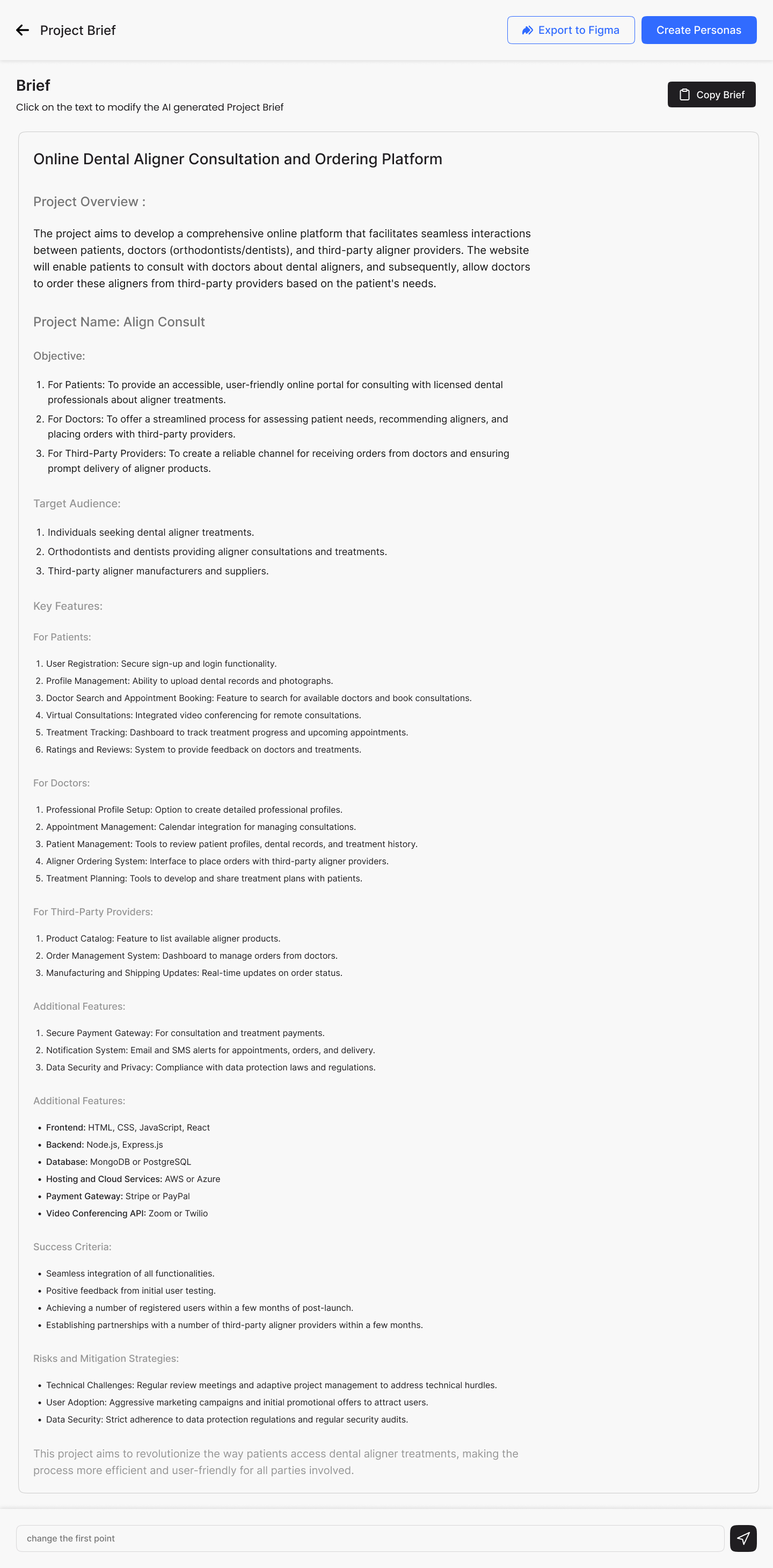
The designer types a few lines about the product. The system returns a structured brief, then a set of personas grouped by user role, then survey questions per persona, then journey maps and an information architecture — and at every step the designer can rewrite, regroup, delete and re-prompt with a chat input that knows the whole project.
Led the product design end to end — from defining the six modules with the founders to handing the build over to engineering.
A four-stage process: frame the loop, prove the loop, dress the loop, ship it.
Sat with practicing designers to map how they actually run discovery today, and where AI could realistically slot in without breaking trust.
Defined the six modules and the AI-draft → designer-edit loop that repeats inside every one of them.
Built the project shell, the editable artifact views, and the chat-to-refine input — then tested with designers on real briefs.
Specced the design system and stayed on through QA until the AI flows behaved the way the prototypes did.
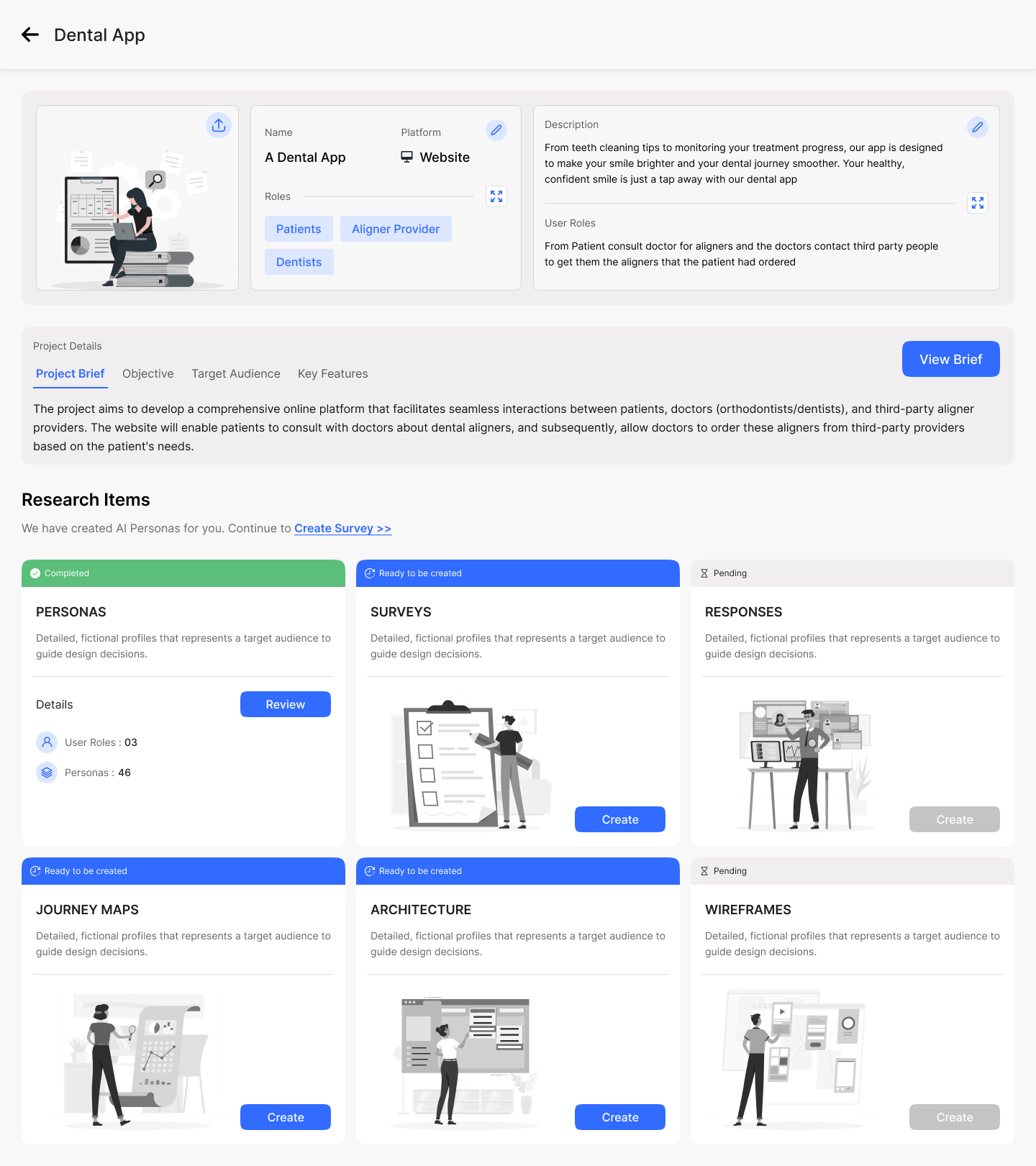
Six modules, one shared project — every artifact references the same brief.
Structured project overview, objectives, target audience, key features per role, success criteria and risks — refined inline with a chat input.
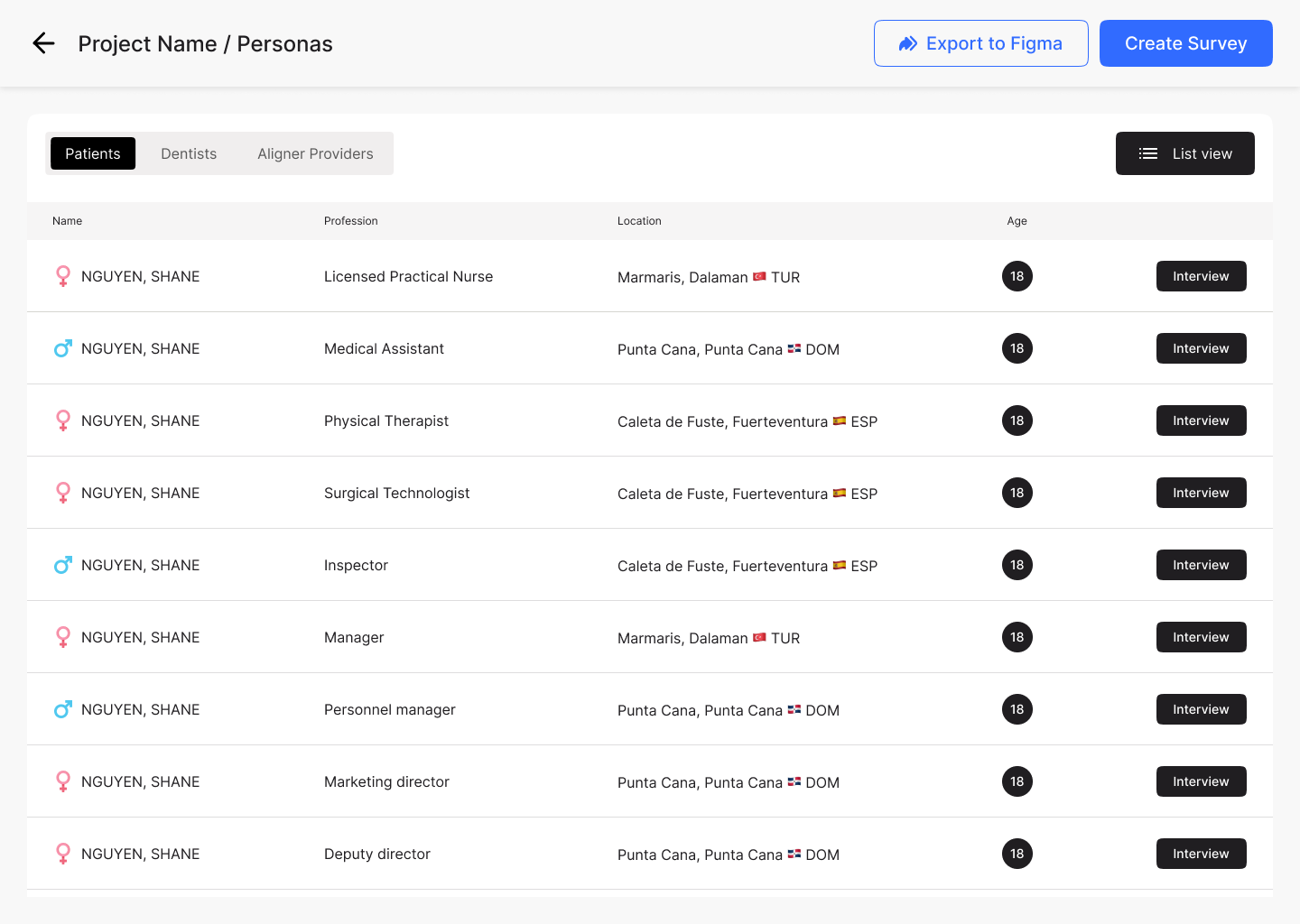
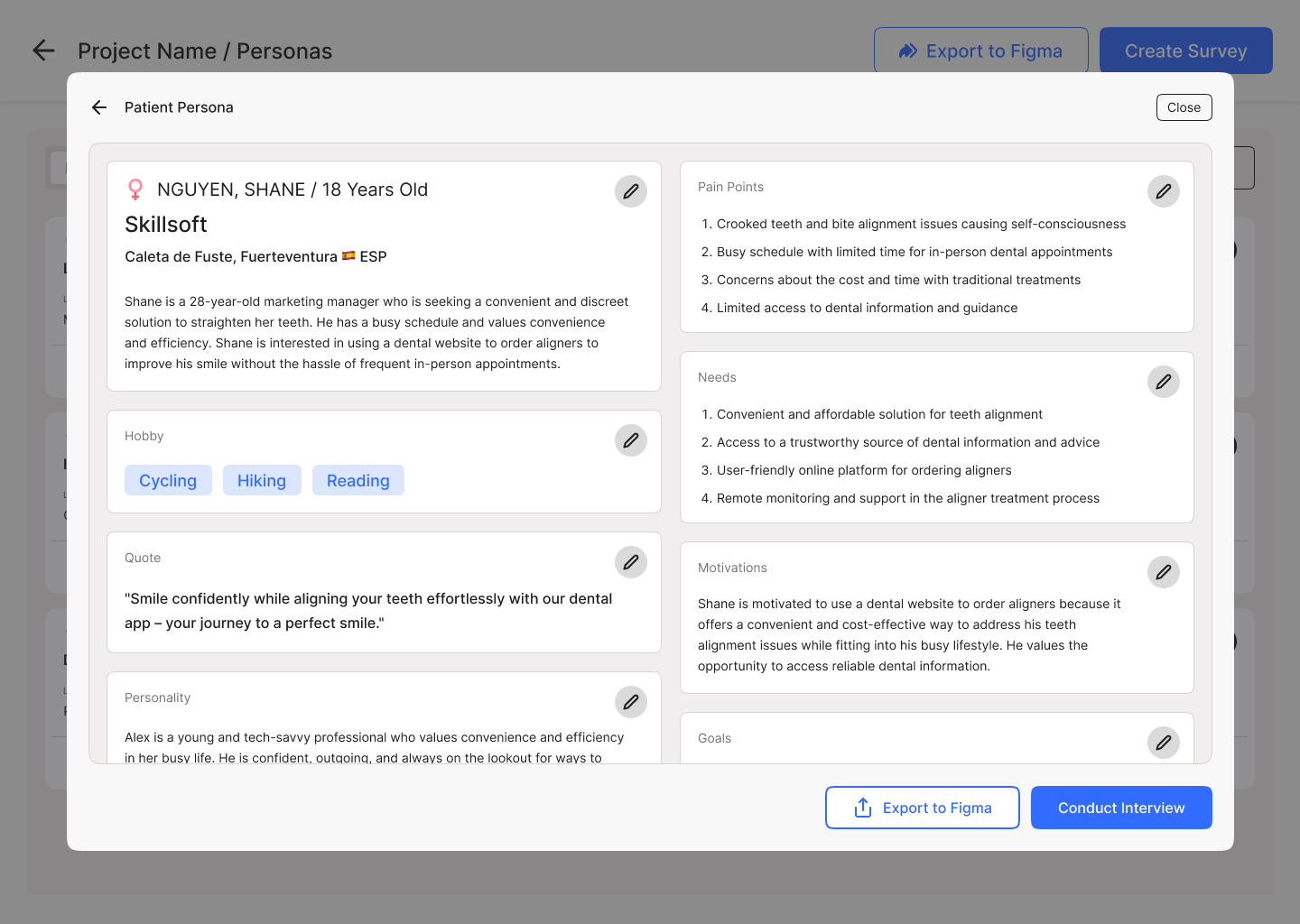
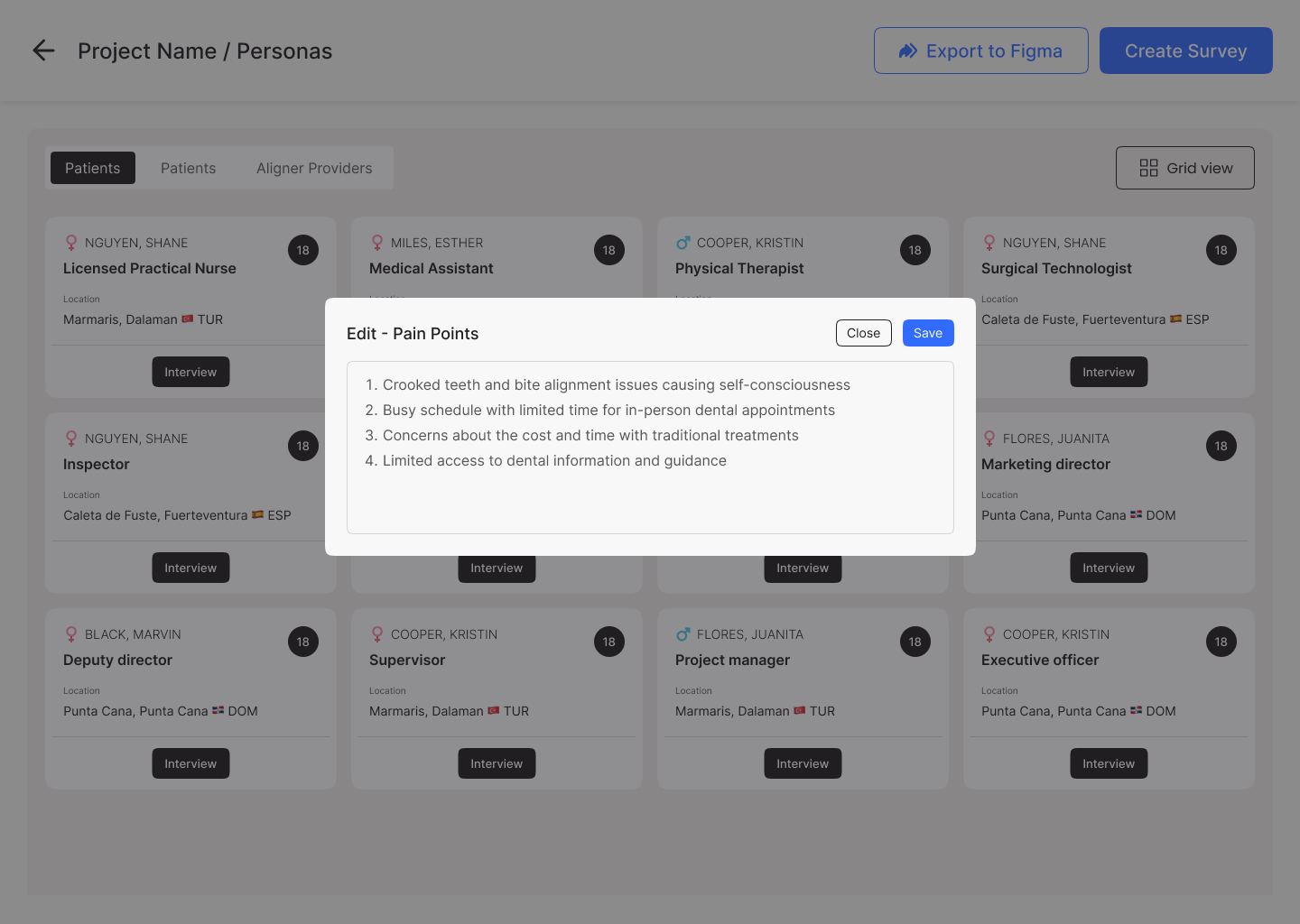
Dozens of personas auto-generated per role, each with goals and pain points, openable in an edit modal and exportable to Figma.
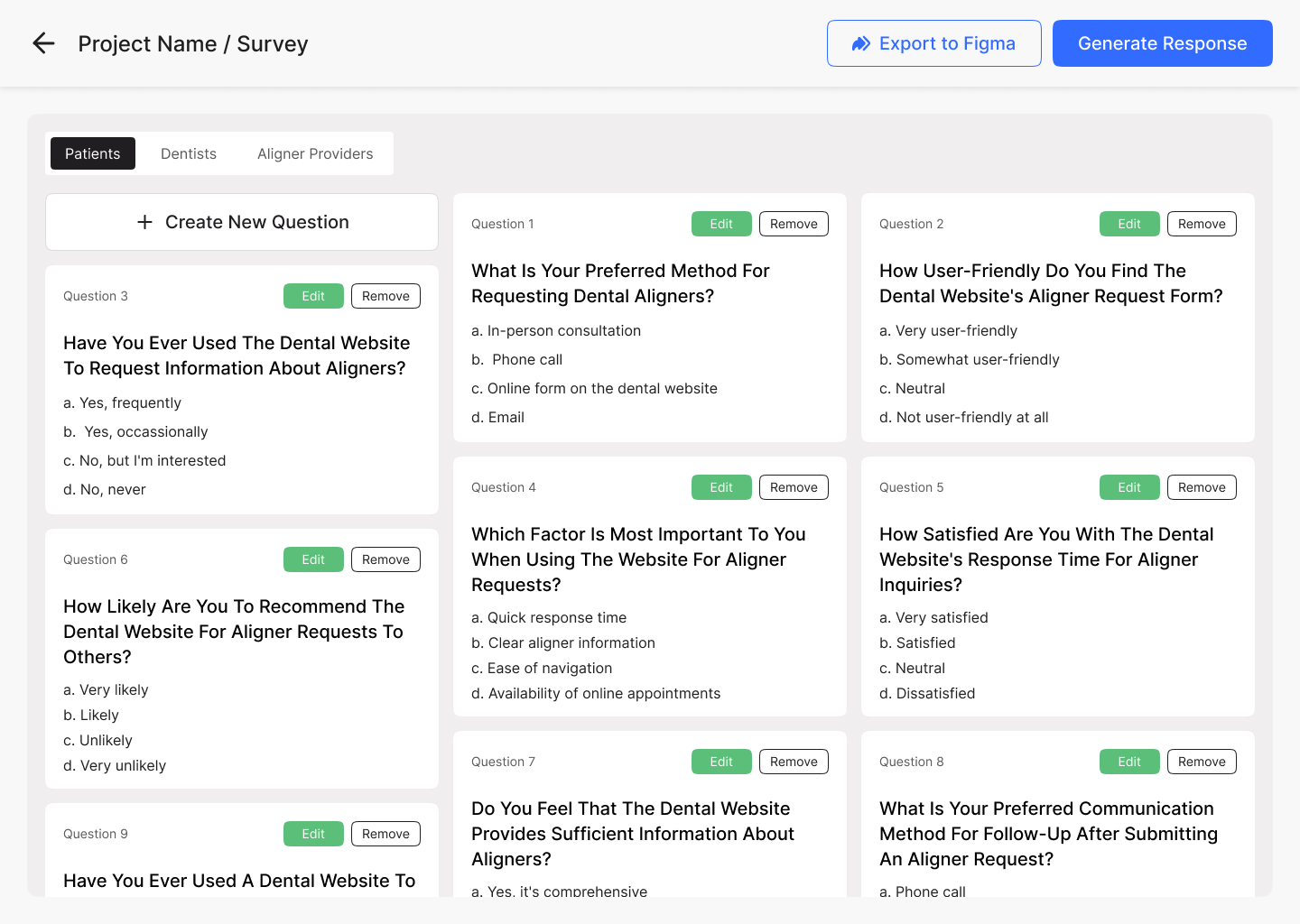
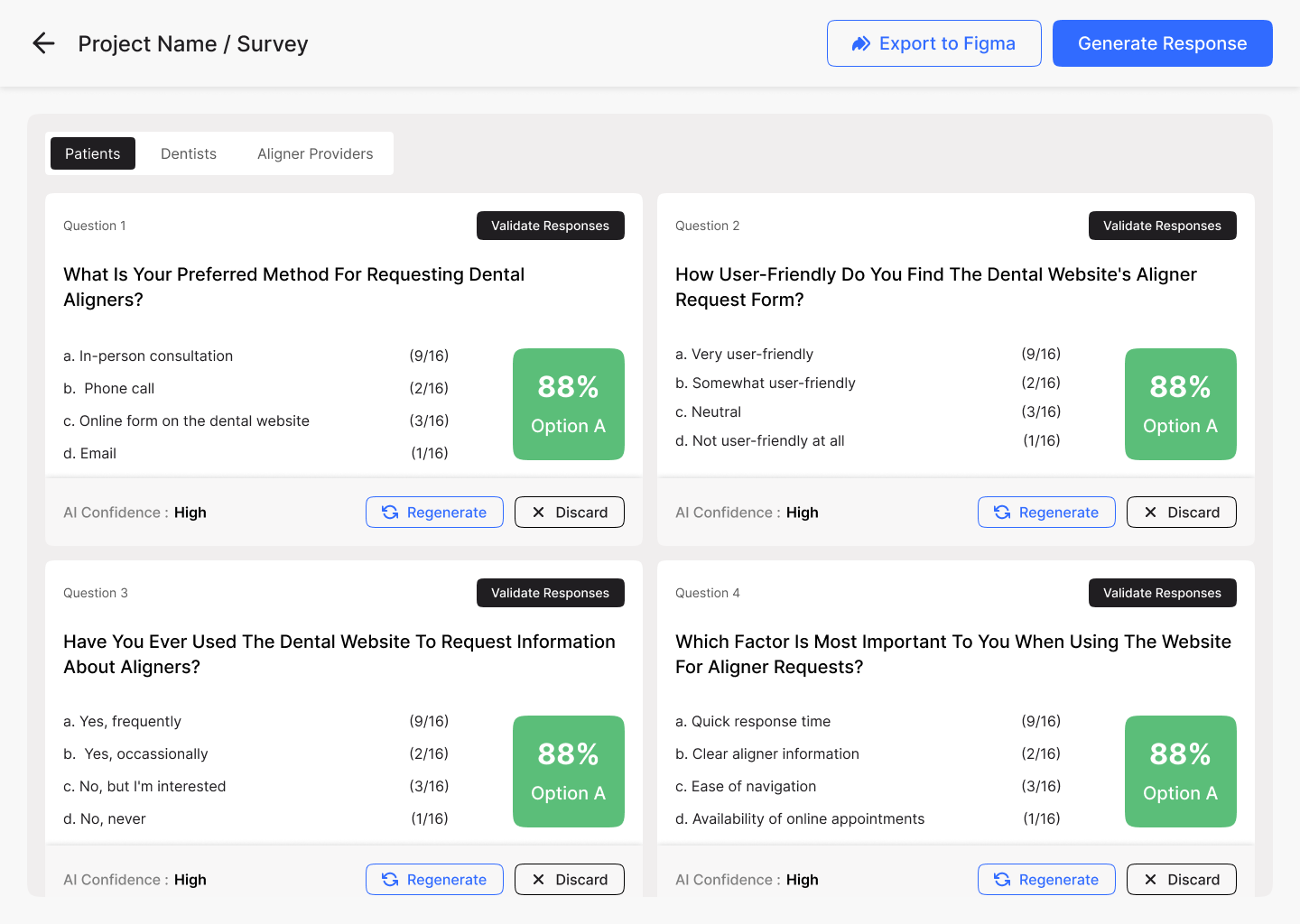
A question grid per role with multi-choice options, edit/remove on each card, and a one-click "Generate Response" set for testing.
An interview script per persona that the designer can rewrite, then a validation view to mark which responses to keep.
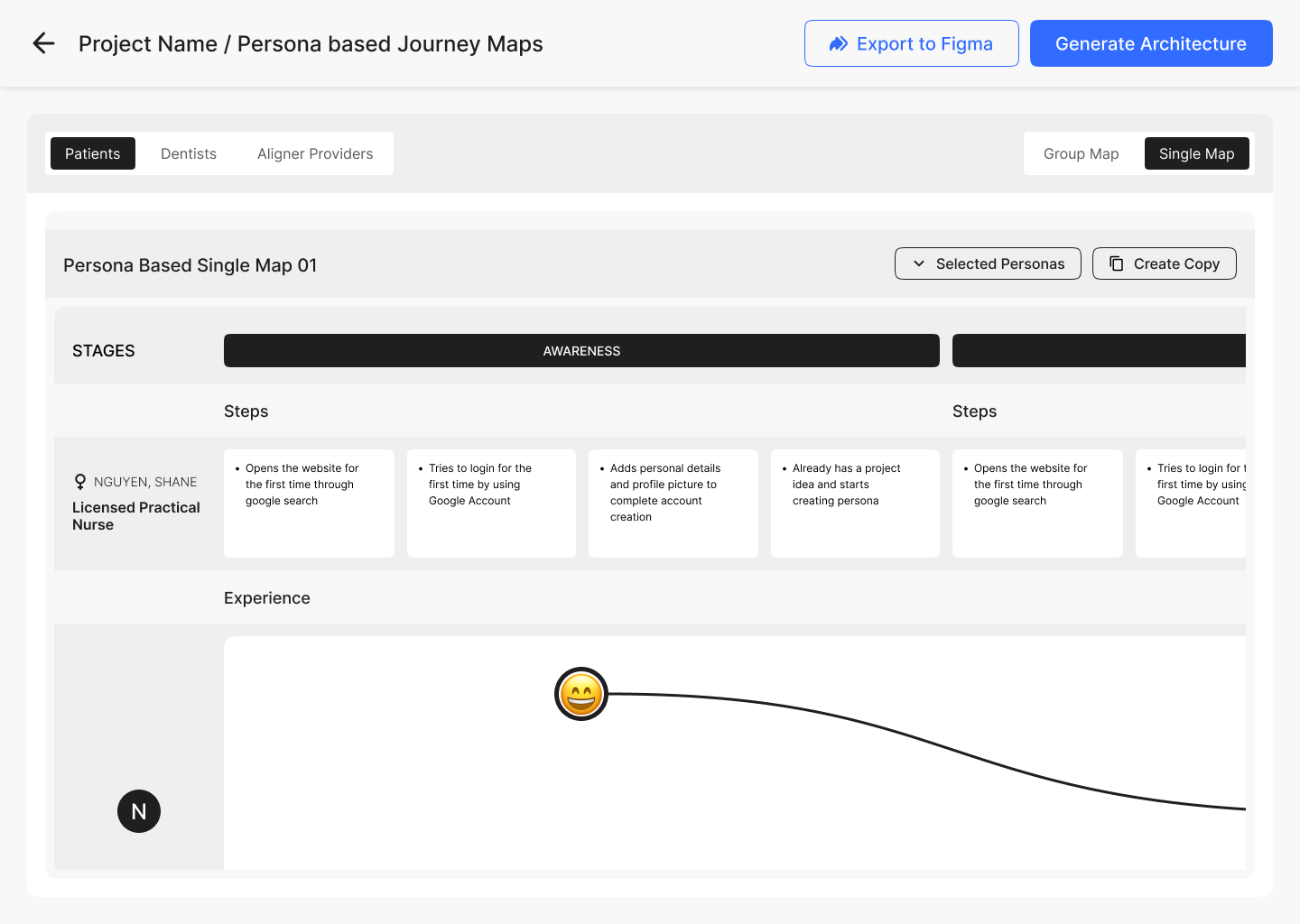
Stage-by-stage journeys generated from the brief, switchable between role-level and single-persona views.
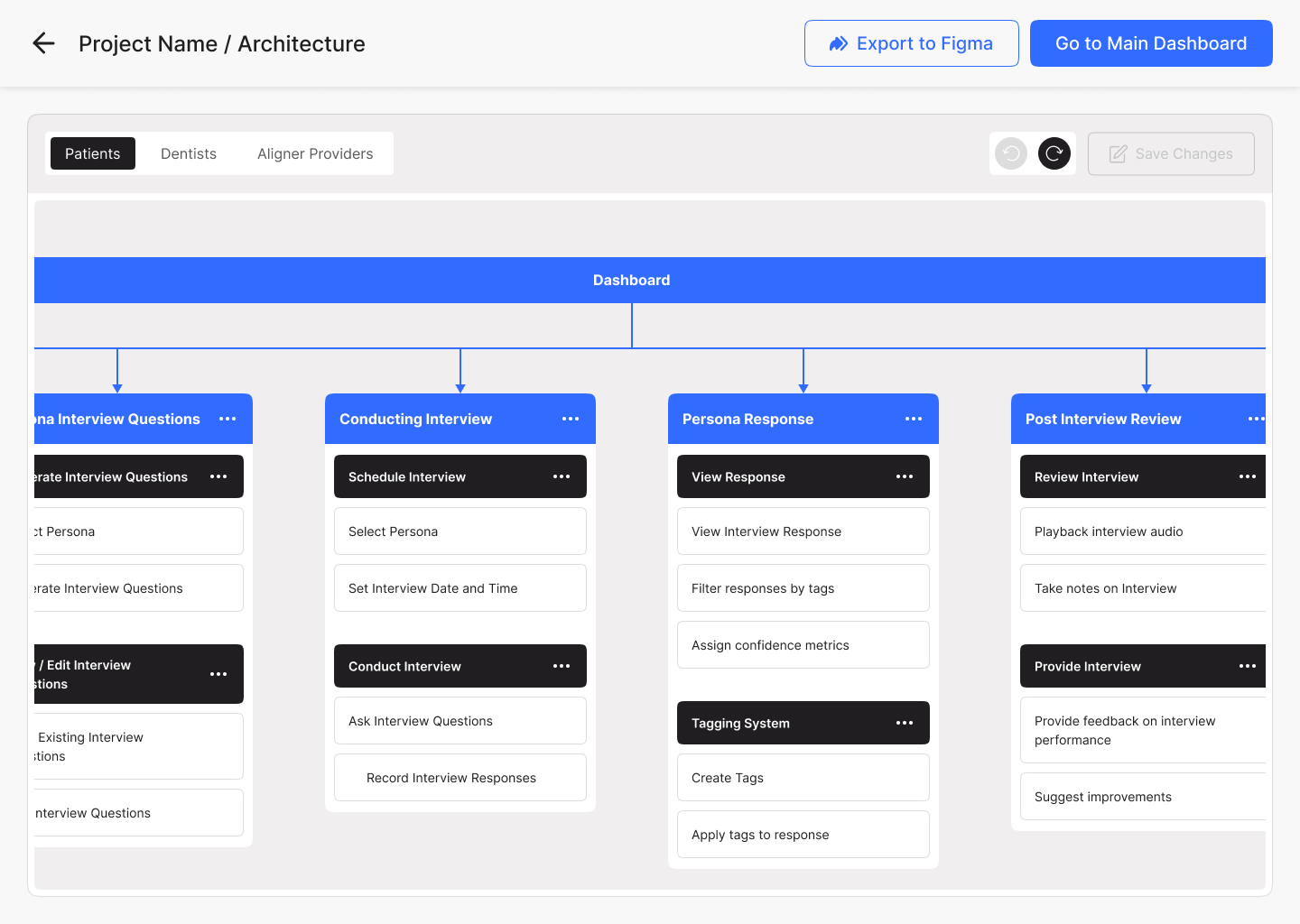
An information architecture tree with pages, sections and interactions — the bridge from research into wireframes.
A walk through the workspace — projects, brief, project dashboard, and the six research modules in action.